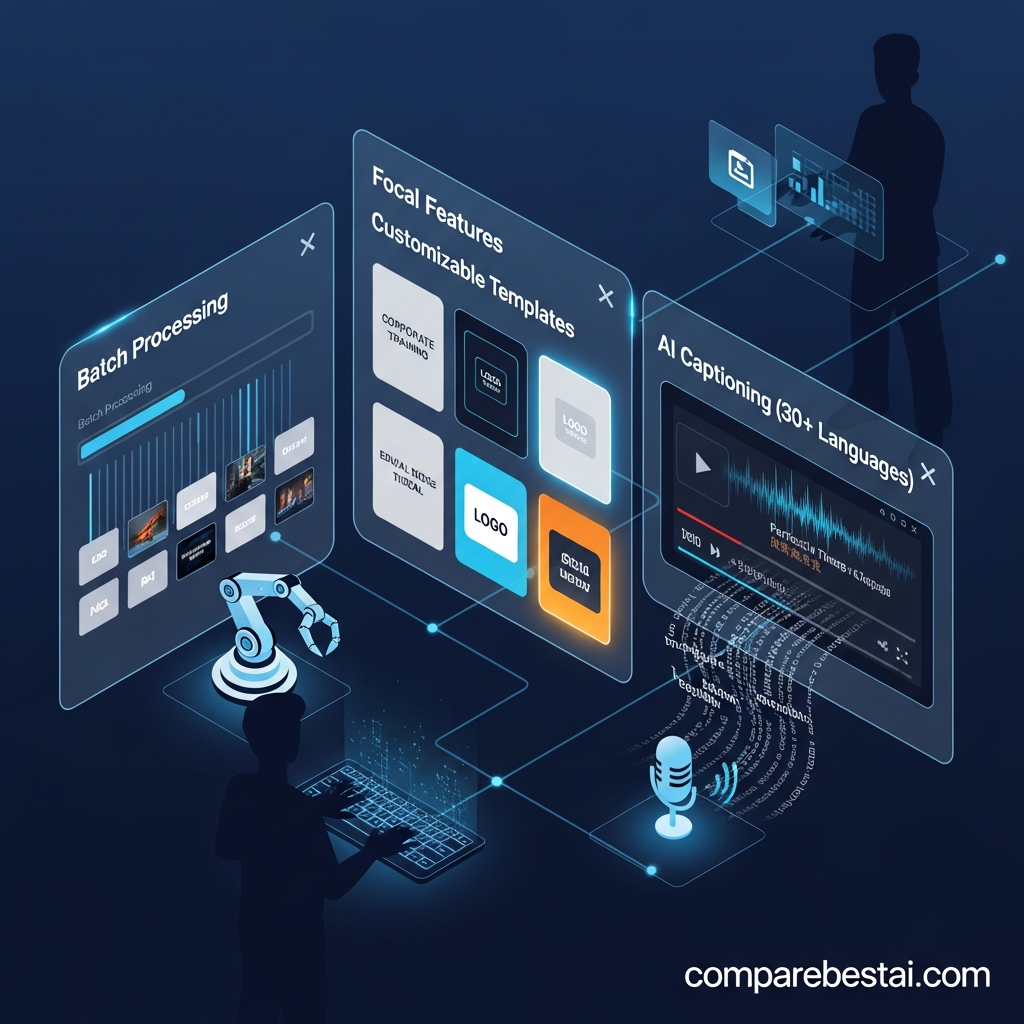

By CompareBestAI Editorial Team
Quick Answer Focal integrations are built-in AI model integrations, not app integrations. Focal connects Veo, Seedance, Kling and Hailuo for video, five image models, and ElevenLabs, InWorld and OpenAI for voices, all in one account. As of September 29, 2026, Focal has no public API (Focal says one is in development) and documents no Zapier, Google Drive, Slack or HubSpot integrations. You connect Focal to the rest of your workflow by exporting finished videos. Best for: creators who want many AI models in one story tool · Not for: teams that need automation or an API today
Focal is an agentic AI video platform from Fluorescent Labs, Inc. (focalml.com) that turns an idea or script into a multi-scene video. It is not the same product as FocalScope, FocalAgent or Focal Suite, which are unrelated software companies with their own APIs. This guide covers every Focal integration we could confirm on Focal's site, the current API status, and a practical workflow for getting Focal videos into your editor, cloud storage and US-based social channels.
Focal integrations at a glance
| Integration | Available in Focal? | Details |
|---|---|---|
| AI video models | Yes | Veo, Seedance, Kling, Hailuo |
| AI image models | Yes | GPT Image, Nano Banana (Pro), Z-Image, Flux Klein, Seedream |
| AI voice models | Yes | ElevenLabs, InWorld, OpenAI |
| AI sound effects | Yes | ElevenLabs |
| Public API | Not yet | Focal says a text-to-video API is in development |
| Zapier, Make or n8n | No | Not documented |
| Google Drive, Dropbox | No | Not documented; save exports manually |
| Slack, HubSpot, Notion, Asana | No | Not documented |
| Direct YouTube or TikTok publishing | No | Export, then upload; vertical format is supported |
| External video editors | Via export | Finish in CapCut, Descript or Premiere Pro |
Source: focalml.com and focalml.com/faqs, checked September 29, 2026.
Key Takeaways: Focal Integrations in 2026
- Focal's real integrations are AI models. One subscription gives you Veo, Seedance, Kling, Hailuo, ElevenLabs and more, with one credit balance.
- There is no public API yet. Focal's FAQ says it is working on a text-to-video API.
- No automation platforms or business apps are connected. Earlier versions of this page listed Google Drive, Slack, HubSpot and Zapier; Focal doesn't document any of them.
- Export is the bridge. Generate in Focal, export, then edit, upscale, store and publish with other tools.
- Need an API or Zapier today? Runway, Hedra AI, Pictory AI and HeyGen document APIs or automation connectors.
What Is Focal?
Focal is an AI video creation platform for storytelling. You enter an idea or paste a script, and Focal plans the plot, splits it into scenes, creates consistent characters and locations, and generates video, voice and sound. You refine the result with chat commands and a timeline editor. Paid plans start at $10/month with commercial use.
For a full breakdown of what the platform does, see Focal features explained or our Focal review.
Built-In AI Model Integrations
Focal's main integration value is access to several leading AI models without separate accounts. Focal picks the model based on the task and the quality mode you choose.
Video models
Focal integrates Veo, Seedance, Kling and Hailuo for video generation. Each is also available as a standalone product: see our pages on Veo 3.1, Seedance 1.5 Pro, Kling 3.0 and Hailuo AI (MiniMax).
Image models
Focal uses GPT Image, Nano Banana (Pro), Z-Image, Flux Klein and Seedream to create character designs, locations and keyframes before video generation.
Voice and sound models
Voiceovers come from ElevenLabs, InWorld and OpenAI, and sound effects from ElevenLabs. You pick voices from Focal's library and sync them with your scenes. ElevenLabs is also reviewed as a standalone tool.
How quality modes choose the model
| Mode | Video model | Approx. cost | Best use |
|---|---|---|---|
| Fast | LTX | ~18 credits/min | Testing scripts and pacing |
| Pro | Seedance 1.5 | ~190 credits/min | Most production work |
| Max | Seedance 2.0 Fast | ~600 credits/min | Final cuts with the best motion and consistency |
Source: Focal Quality Modes documentation, September 2026. Focal marks these costs as approximate.
Why this matters: Buying Veo, Kling and ElevenLabs access separately means several subscriptions and several credit balances. Inside Focal, all of them draw from one balance, starting at $10/month. The free plan is limited to basic models.
Does Focal Have an API?
No, not yet. As of September 29, 2026, Focal's FAQ says the company is working on a text-to-video API for integrating Focal into other workflows. There is no public API documentation, no API pricing and no developer key.
What this means in practice:
- You can't trigger Focal generations from your own app, CMS or script.
- You can't automate bulk video creation from a spreadsheet or database.
- You can't connect Focal to automation platforms such as Zapier, Make or n8n, because they need an API to connect to.
If you need programmatic video now, pick a tool with a documented API (see the comparison below) and revisit Focal when its API launches.
Does Focal Integrate With Zapier, Google Drive, Slack or HubSpot?
No. Focal's site documents no integrations with Zapier, Make, Google Drive, Dropbox, Slack, HubSpot, Notion, Asana, Trello, Zoom or Canva, and there is no "Integrations" menu in the product. Other pages online, including an earlier version of this one, listed those apps; we could not confirm any of them on Focal's site.
Focal also doesn't include some tools you might expect to connect: according to its FAQ, it has no video transcription, no YouTube summarization and no built-in upscaling. Focal suggests pairing it with separate upscaling software instead.
How to Connect Focal to Your Video Workflow
Without native integrations, the most reliable setup is a simple export-based workflow. Here's the one we'd use:
- Write or outline the script in your usual doc tool, then paste it into Focal (or start from an idea).
- Generate the video in Focal. Draft in Fast mode, then render the final in Pro or Max.
- Export the finished video. For TikTok, Reels or Shorts, generate in vertical format, which Focal supports.
- Edit and caption in an editor. CapCut handles quick social edits, and Descript adds transcript-based editing and captions, which Focal doesn't offer.
- Upscale if needed with a dedicated tool such as Topaz Video AI, since Focal has no built-in upscaler.
- Save the master file to your team's cloud storage manually.
- Upload to YouTube, TikTok or your client. On a paid plan, you can use the video commercially.
| Workflow step | Focal handles it? | Tool to pair with |
|---|---|---|
| Script and story planning | Yes | None needed |
| Scene, voice and sound generation | Yes | None needed |
| Captions and transcript editing | No | Descript |
| Quick social edits | Partly (timeline editor) | CapCut |
| Professional finishing | Partly | Adobe Premiere Pro |
| Upscaling | No | Topaz Video AI |
| Publishing | No | Upload manually |
For more ideas on what to make with this workflow, see our guide to Focal AI video use cases. If you're weighing CapCut as your main editor, read Focal vs CapCut.
Focal Integrations vs Alternatives
If integrations are a must-have, these AI video tools document an API or app connectors on their CompareBestAI tool pages.
| Tool | Public API | Automation connectors | Notable app integrations | Starting paid price |
|---|---|---|---|---|
| Focal | Not yet (in development) | None | None documented | $10/mo |
| Runway | Yes | Zapier | Adobe Creative Suite, DaVinci Resolve | $15/mo |
| Hedra AI | Yes, shares studio credits | n8n (official guide) | Slack, Google Drive | $15/mo |
| LTX Studio | Separate LTX API | None listed | Kling, Veo 3.1 and FLUX.2 model access | $15/mo ($12 yearly) |
| InVideo | Not listed | None listed | YouTube, TikTok, Instagram, Facebook, LinkedIn, Google Drive, Dropbox | $25/mo |
| Pictory AI | Yes | Zapier, Make | Vimeo | $29/mo ($25 yearly) |
| HeyGen | Yes, pay-as-you-go from $5 | Zapier | Slack, HubSpot | $29/mo ($24 yearly) |
| Synthesia | Enterprise | Zapier | PowerPoint, Google Slides, HubSpot, Salesforce, LMS via SCORM | $22/mo |
Integration and price details from CompareBestAI tool pages, checked September 29, 2026. Confirm on each vendor's site before building a workflow around them.
How to read this: Hedra AI is the closest story-friendly option with a real API, and its API uses the same credits as its studio. Runway suits teams that already edit in Adobe or DaVinci Resolve. Pictory AI and HeyGen fit marketing teams that automate video with Zapier or Make. For a full ranking, see our Focal alternatives guide, or compare automation platforms in Make vs Zapier.
Should Integrations Decide Whether You Use Focal?
Integrations don't matter much if you:
- Make one video at a time: short films, series episodes, YouTube videos or skits
- Already edit and publish by hand
- Care most about story quality and character consistency
Integrations matter a lot if you:
- Need to generate videos automatically from a CMS, CRM or spreadsheet
- Run a high-volume content pipeline with approvals and notifications
- Build video features into your own app
For the first group, Focal's built-in model access is the integration that counts. For the second, choose a tool with an API today.
Focal Plans in 2026
| Plan | Price | Monthly credits | Models | Commercial use |
|---|---|---|---|---|
| Free | $0 | None | Basic models, slower generations | No |
| Starter | $10/mo | 1,000 (+50 daily) | Premium models incl. Veo and Seedance | Yes |
| Standard | $30/mo | 3,900 (+50 daily) | Premium models incl. Veo and Seedance | Yes |
| Pro | $100/mo | 15,000 (+50 daily) | Premium models incl. Veo and Seedance | Yes |
Prices in USD for US customers, as listed on Focal's pricing page, September 29, 2026. No plan includes API access or app integrations.
See our Focal pricing guide for credit math and plan recommendations.
Compare Focal plans and try it free →
How We Researched Focal Integrations
CompareBestAI scores every tool with the same framework, described in how we rank tools. For this guide we:
- Checked Focal's homepage, pricing page and FAQ on focalml.com on September 29, 2026, including its answers on models, API plans, vertical video, upscaling and commercial use
- Confirmed we were researching Focal by Fluorescent Labs, Inc., not similarly named products such as FocalScope or FocalAgent
- Removed integrations, setup steps, pricing, statistics and case studies from the earlier version of this page that we could not confirm on Focal's site
- Took competitor integration and price details from CompareBestAI's tool pages
We did not test undocumented or private integrations. If Focal launches its API or app connectors, we will update this page.
Focal Integrations FAQs
Does Focal have integrations?
Focal integrates AI models, not business apps. It connects Veo, Seedance, Kling and Hailuo for video, five image models, and ElevenLabs, InWorld and OpenAI for voices in one account. As of September 2026, Focal documents no integrations with apps such as Google Drive, Slack or HubSpot.
Does Focal have an API?
Not yet. As of September 29, 2026, Focal's FAQ says it is working on a text-to-video API for connecting Focal to other workflows. There is no public API documentation or pricing. For a video API today, Runway, Hedra AI, Pictory AI and HeyGen offer documented APIs.
Does Focal work with Zapier?
No. Focal has no Zapier, Make or n8n integration, because those platforms need an API to connect to. To automate video creation now, choose a tool with Zapier support, such as Pictory AI, HeyGen or Runway, or wait for Focal's planned API.
Can I post Focal videos straight to YouTube or TikTok?
No. Focal doesn't publish directly to social platforms. Export the finished video, then upload it to YouTube, TikTok or Instagram yourself. Focal supports vertical video for TikTok, Reels and Shorts, and paid plans let you use the videos commercially, including on monetized channels.
Which AI models are integrated into Focal?
Focal uses Veo, Seedance, Kling and Hailuo for video; GPT Image, Nano Banana (Pro), Z-Image, Flux Klein and Seedream for images; ElevenLabs, InWorld and OpenAI for voices; and ElevenLabs for sound effects. The free plan is limited to basic models.
What is the best Focal alternative with an API?
Hedra AI is the closest story-friendly alternative with an API. It starts at $15/month, and its API shares credits with its studio, with an official n8n guide. Runway also offers an API plus Adobe and DaVinci Resolve integrations. Pictory AI and HeyGen suit Zapier-based marketing workflows.
Final Verdict: Do Focal's Integrations Meet Your Needs?
Focal's integrations are strong where it counts for storytellers: one account gives you Veo, Seedance, Kling, Hailuo and ElevenLabs, with one credit balance, from $10/month. For making short films, series and YouTube videos one project at a time, that's the integration most creators need, and exporting to an editor covers the rest.
Focal is not a fit today for automated pipelines. With no public API and no Zapier, cloud storage or CRM connections, teams that need programmatic or high-volume video should start with Hedra AI, Runway, Pictory AI or HeyGen, and check back when Focal's API launches.
CBAI score: 8.0/10. Best for story-driven creators; not for automation-first teams.
Compare Focal plans and try it free → · Compare Focal with other AI video tools →
Read next: our AI video generator comparison, or browse every tool in our Video Generation category.
About CompareBestAI: CompareBestAI compares AI tools and the software businesses run on, with transparent pricing checks and a consistent scoring method. Get new AI video reviews in our newsletter →

